LIVE
Find creators who are live now.
Browse real Mobile Legends broadcasts from supported platforms, filter by platform and language, and keep favorite creators close.
 Your Arena TVGet it from Microsoft Store
MOBILE LEGENDS COMMUNITY DESKTOP
Discover live creators, follow game updates and browse practical guides without jumping between dozens of tabs.
 Twitch
 KICK
KICK TikTok
 Google
 YouTube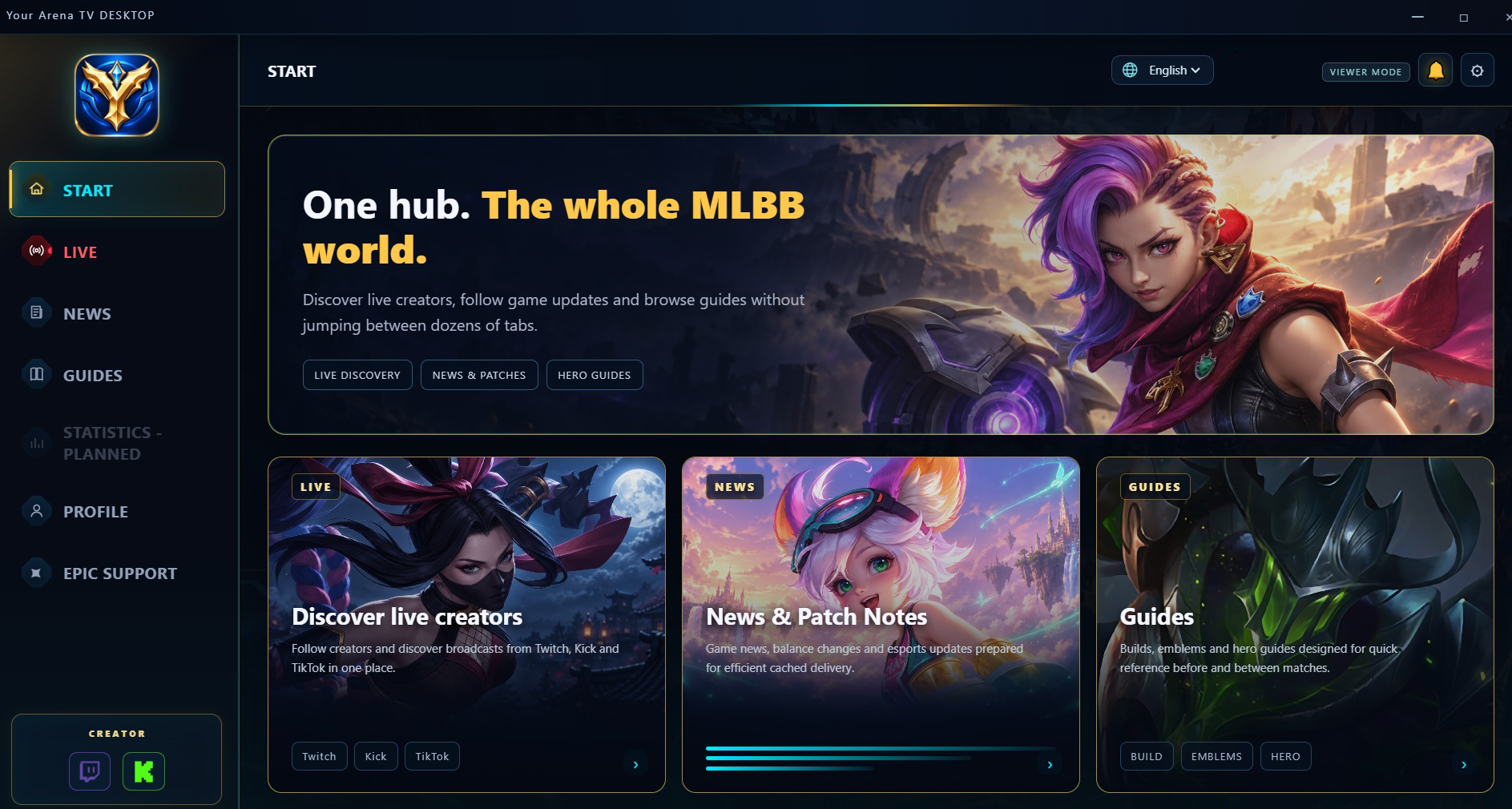
OFFICIAL TRAILER
See the app in action. Press play and turn on the sound for the full experience.
BUILT AROUND THE MATCH
Your Arena TV brings the most useful parts of the community into a focused desktop interface inspired by the game world, not by a generic dashboard.
Browse real Mobile Legends broadcasts from supported platforms, filter by platform and language, and keep favorite creators close.
Game news, patch information and esports updates prepared for quick desktop browsing.
Build references, emblems and hero-focused guides in the same visual language as the desktop app.
Build a creator profile and connect supported identities while keeping the public profile separate from private account data.
LIVE DISCOVERY
The LIVE area is designed around real creator discovery, favorites and language filters. Watch Twitch and Kick streams with their official players and chats directly inside Your Arena TV.
TWITCHKICK◎LANGUAGE FILTERSYouTube★FAVORITESTwitchKICKTikTokGoogleYouTubeACCOUNT CONNECTIONS
Your Arena TV does not ask you to enter Twitch, KICK, TikTok or Google passwords into the app. Supported connections use the providers' authorization systems. Public creator information is kept separate from private account data.
Use supported provider authorization to enter Your Arena TV.
Player ID, creator links, language and visibility controls in one place.
Platform, language and favorites make live discovery faster.
WINDOWS DESKTOP
Download Your Arena TV for Windows from Microsoft Store.
Version 1.20.1 for Windows desktop.
Get it from Microsoft StoreAccount helpAccount help
These instructions apply to the updated Your Arena TV client.
Check Spam and other filtered folders. On the confirmation screen, select SEND VERIFICATION EMAIL and use the latest message. Wait at least one minute before resending. If sending fails, wait and try again; do not create another account.
Sign in to your existing email account. If confirmation is required, send the verification email from the app and complete the steps above. Confirming the same account preserves saved profiles, Favorites and linked-account records; do not register again with another address.
Use Reset Password in the app to receive a password-reset message. If you did not request registration, do not confirm it. To recover an account created with your address, reset the password yourself before using it. Never send anyone your password, verification link or authentication codes.
Still need help? Contact sk.vaultapp@gmail.com.
Your Arena TV is not affiliated with, endorsed by, or sponsored by MOONTON Games, TikTok, Twitch, KICK, Google, or their affiliates. Mobile Legends: Bang Bang and related names, marks and assets belong to their respective owners.